

Hi folks,
after a longer break, i would like to present a very first alpha? demo making tool
This will help you to create fast and easy sinus or plain scroll text to export the code for PB usage and sooo many more.
first ideas:
- exe export directly from the tool
- support for sound
- logo effects
- 3d effects
- hlsl & glsl support
- custom screen resolution
- sinus and typer Text support
- bitmap font support
- windows font support
and many more.
this version is only for playing around to have a first look on it.
More Information
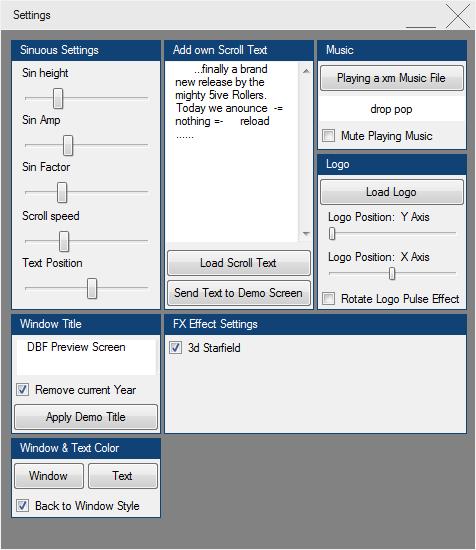
- all features can be changed in realtime
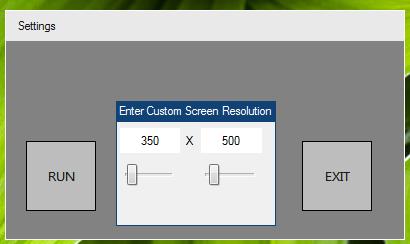
- on start, it is possible to enter the desired demoscreen resolution
- Sound Support: XM and MOD (many more soundfiles will be play soon)
- Logo
- Sinuous or Plain Scroll Text
- Windows Font can be used (color can be changed via colorpicker)
- Bitmap Font usable
- Typer Text Effect instead of sinous scroller
- Scrolltext: load from text file
- Scrolltext: enter with your keyboard
- free options to choose sinuous behavior for the text scroller
- choose own Demoscreen Window title + year
- save the whole settings as PureBasic Source Code
- save demo into 1 single Exe File
- if wanted, remove the frame from the demo screen window
- Demo window Frame and header's color customizable (color can be changed via colorpicker)
FX:
- DirectX 9 or OGL GLSL Shader Support
- GLSL Live Editor
- 3ds Objecs
- Logo Effecs
NEW UPDATE June 10/2018
- 3d Starfield
- Change Color of the Demo's Window via Colorpicker
- Change Color of the Demo's Window Title via Colorpicker
- Hide/ Show the Settings Button
- correct display-effect when checking the Logo Effect Box
-----------------------------------------------------------------------------------------
In Progress:
- Colorpicker need to be centered on Screen
Start Resolution Requester
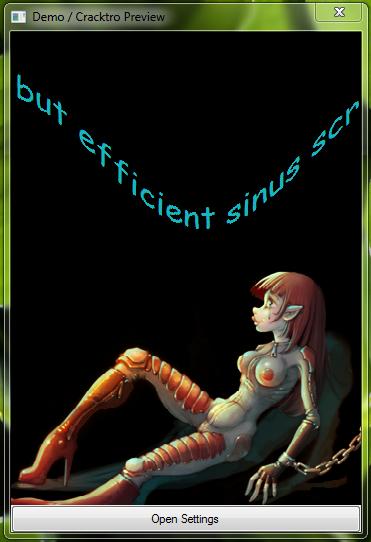
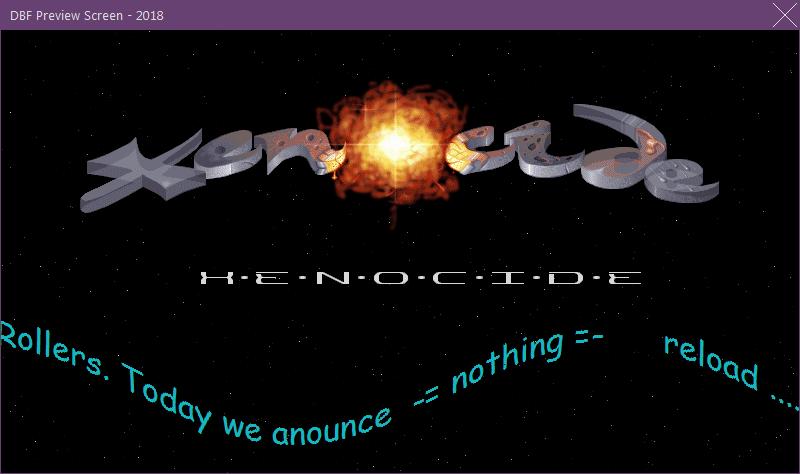
Demo Live Preview
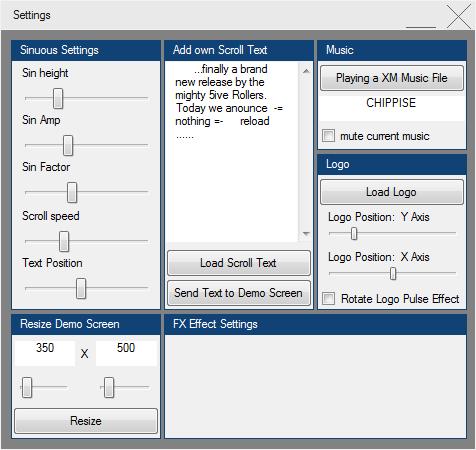
Settings Screen
cheers
inc_PB_Demo_SC_Creator.rar
Modul 2:
Hier ein weiteres Modul das zum oberen Modul gehört. Im Moment sind die Parts alle in Module geteilt um den Überblick zu behalten.
mit dem Shader Tool kann man die Hintergründe der Demos/ Cracktros selber schreiben oder vorhandene manipulieren, was auch immer.
Wenn die Zeit es zulässt, wird alles in einem Tool Veröffentlicht. Aber im Moment gibt es andere Prioritäten
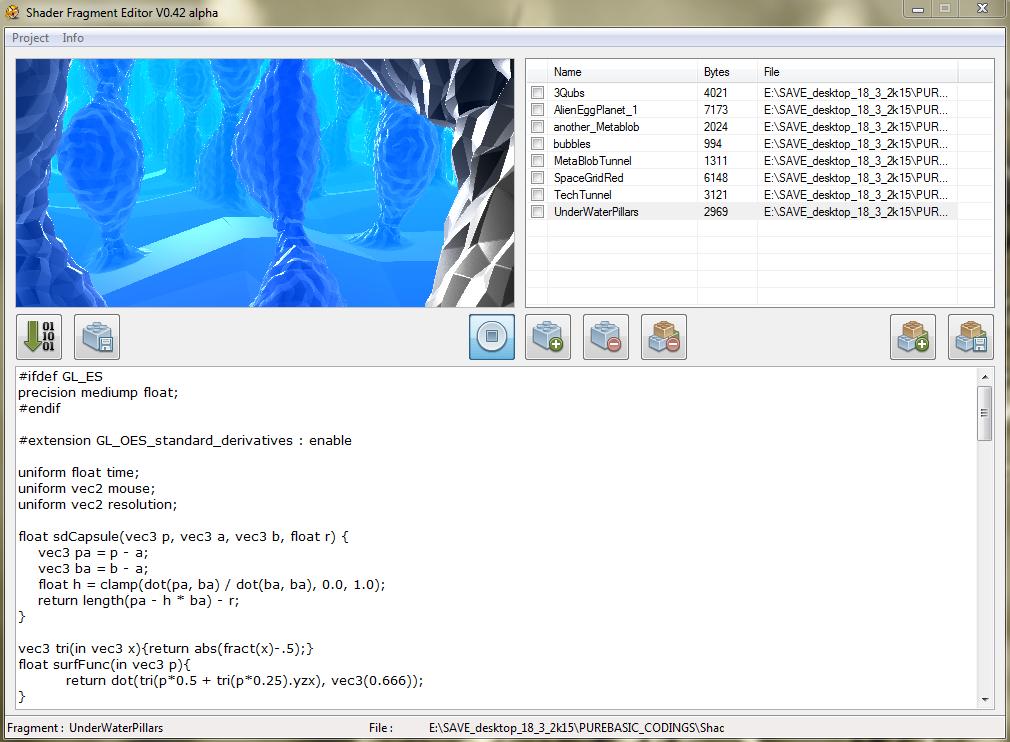
i'm currently programming a Shader Editor Tool to create on the fly own GLSL Shaders. Of course Shaders are moving and been animated in that tool.
It is possible to manipulate or rewrite or start from the scratch with a brand new GLSL Shader.
Shader Tool Screenshot:
Video TUTORIAL:
no helpfile yet. the video should explain the "how to"
after all it is possible to do some pre work for later Demo and Cracktro Coding.
you can write your own GLSL Shader on the fly and export 'em for PB Demo Cracktro usage as *.PBI include file or export em all as an stand alone windows executable
LATER:
I'll add a Demo PB Script too, to make things easier, starting over with the demo programming.
so long.
best
inc



 Zitieren
 THEMENSTARTER